Password protect your Microsoft Word documents
Here is a simple tip to protect your data by locking your word documents. The screen shots below are from Microsoft Office 2007. However, you can also apply this to other versions as well.
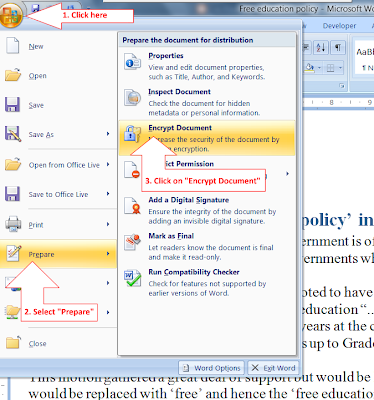
Step 1: Click the Office button (located on the top left corner)
Step 2: Navigate to “Prepare” and then click “Encrypt Document”
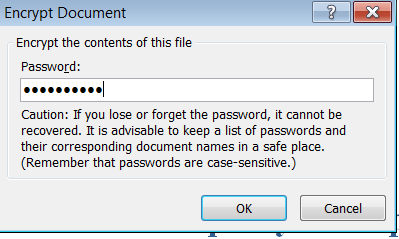
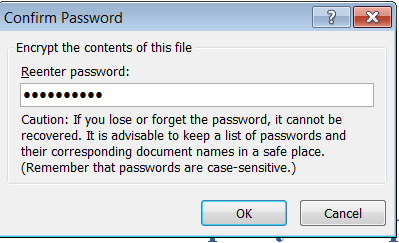
Step 3: Enter your desired password and then click OK. You will be asked to re-enter it for confirmation.
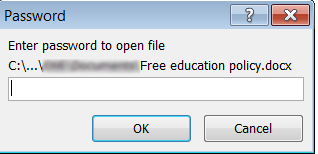
Congratulations! Now your document is password protected. The next time you try to open it, a box will appear asking for a password.

Bernard is a writer, martial art enthusiast and geek.
Latest posts by Bernard Sinai (see all)
- PNG Government Introduces ICT Procurement Standards and Best Practices 2025 - October 16, 2025
- Understanding 5G: The Future of Connectivity - October 12, 2025
- Hackers Publish Qantas Customers’ Data on Dark Web After Third-Party Breach - October 12, 2025